Convert MP4 to SRT with Harku: Fast, Accurate, Free (VTT/TXT Too)
Convert MP4 to SRT with Harku: Fast, Accurate, Free (VTT/TXT Too)
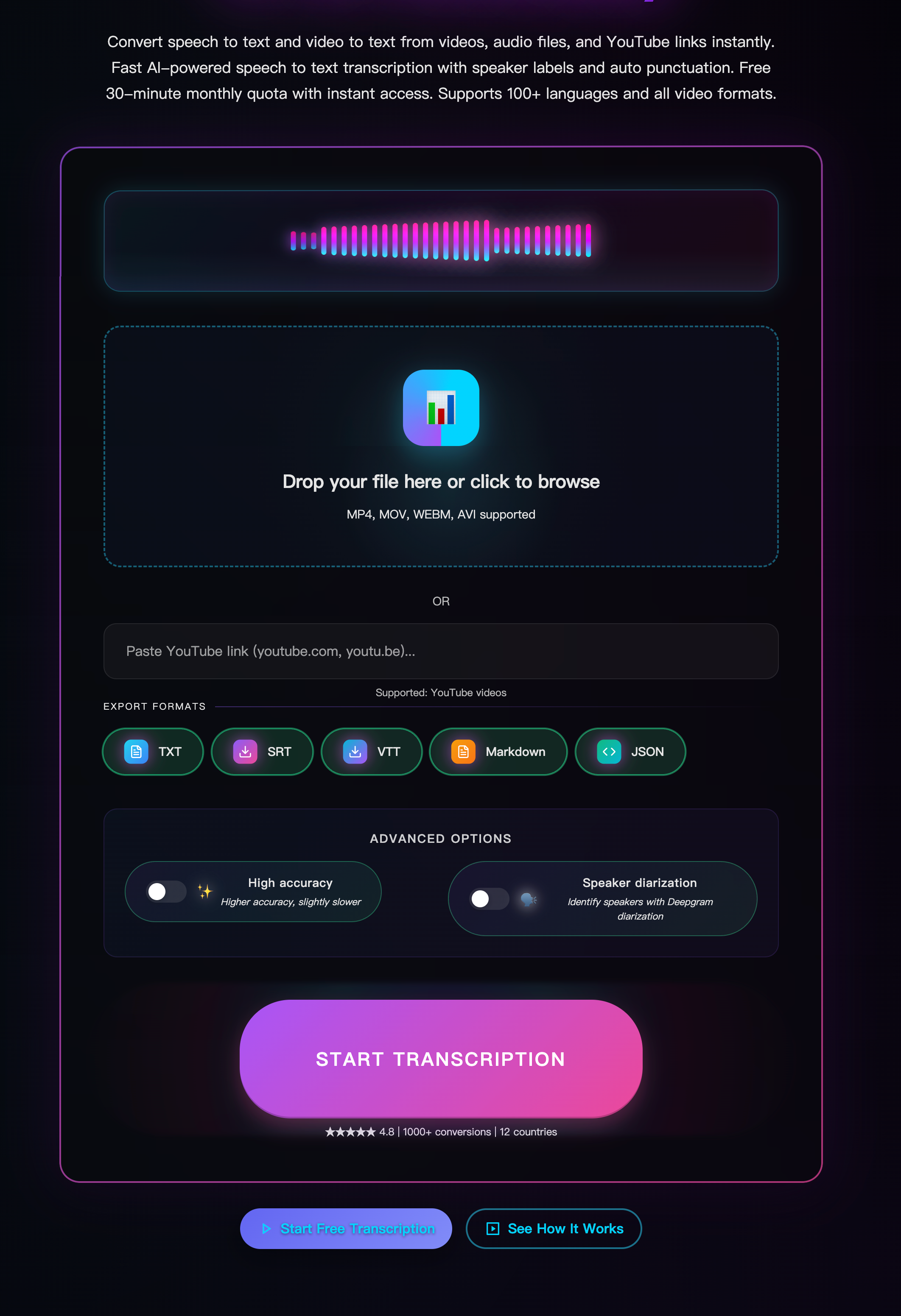
If you need to convert MP4 to SRT, Harku makes it simple: upload a video, pick a language, and export clean subtitles. No installs, no signup, and support for 100+ languages. Whether you're adding captions for accessibility or turning video to text for editing, this guide shows the fastest way to convert MP4 to SRT—and how to export VTT/TXT, fix timing, and translate subtitles.
Why convert MP4 to SRT?
- Accessibility & reach. Subtitles help more people follow your video and often improve watch time.
- Editing power. A transcript lets you search quotes, names, and timecodes quickly.
- Flexible publishing. Keep subtitles as a sidecar file (SRT/VTT) or later burn-in if needed.
Case Study: A 9-minute demo → SRT in under two minutes → faster edits + better SEO
Quick start: convert MP4 to SRT online (free)
1) Upload your MP4
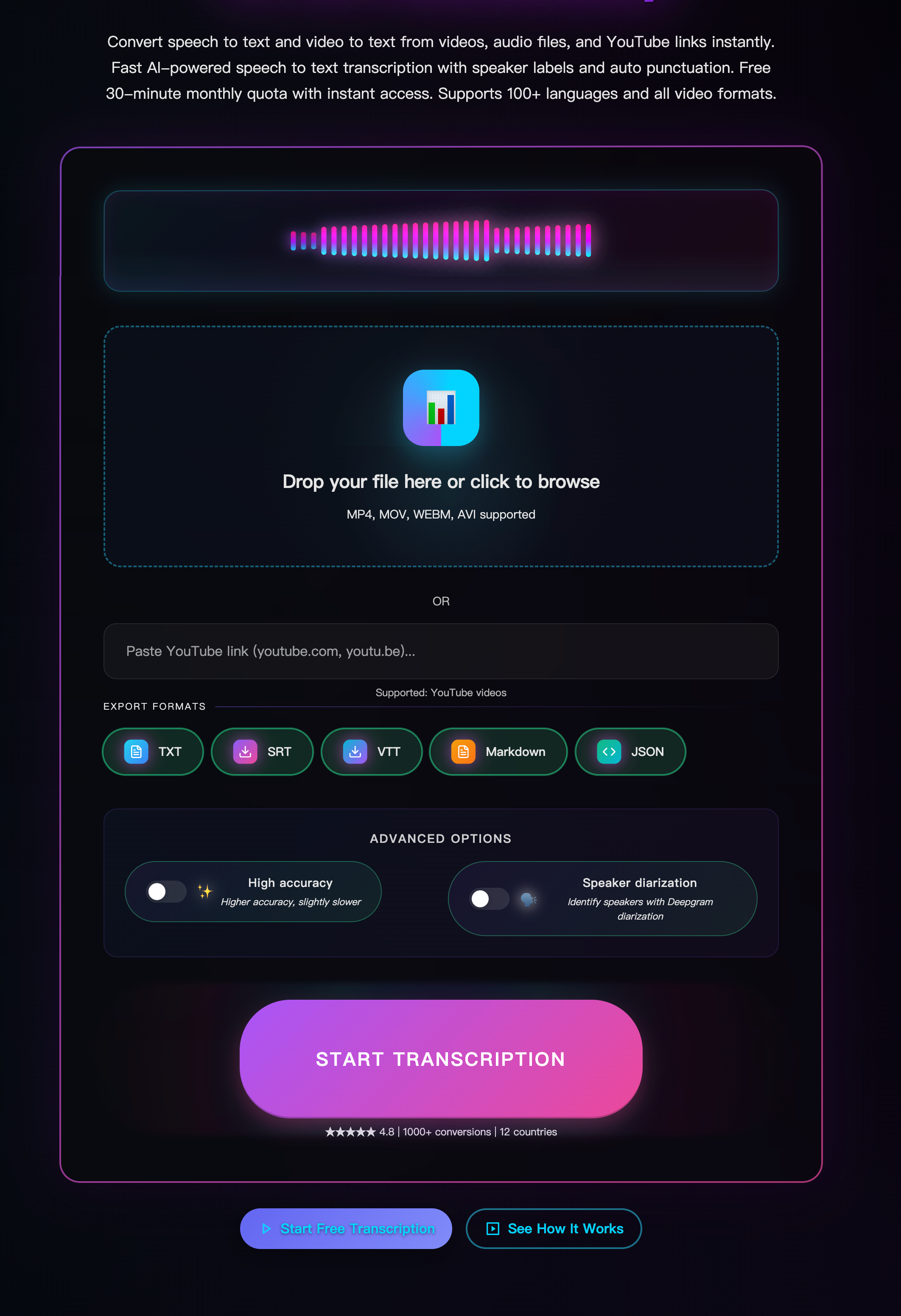
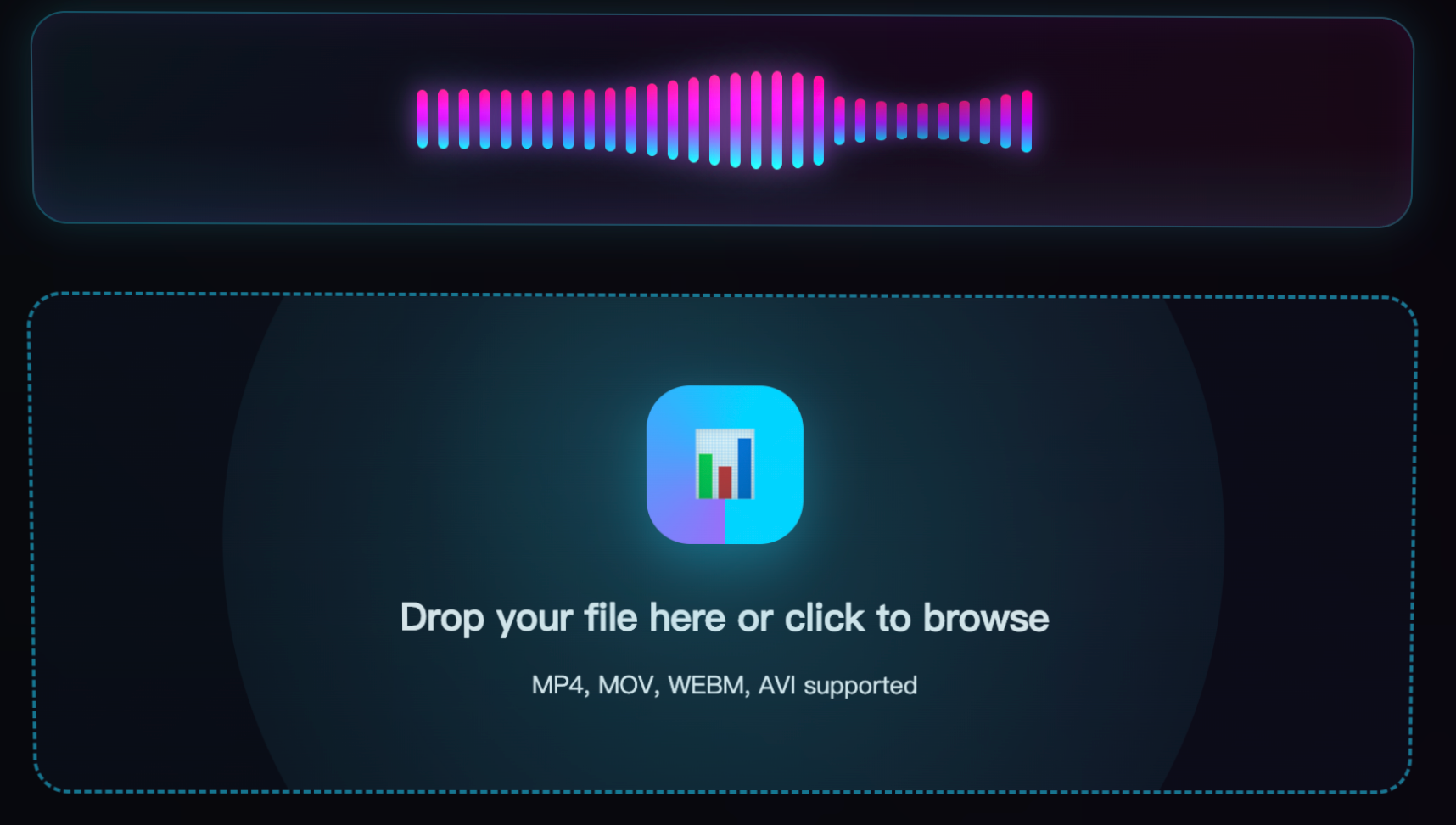
Drag & drop your file into Harku. For best results, make sure voices are clear and background noise is low.
2) Choose language and options
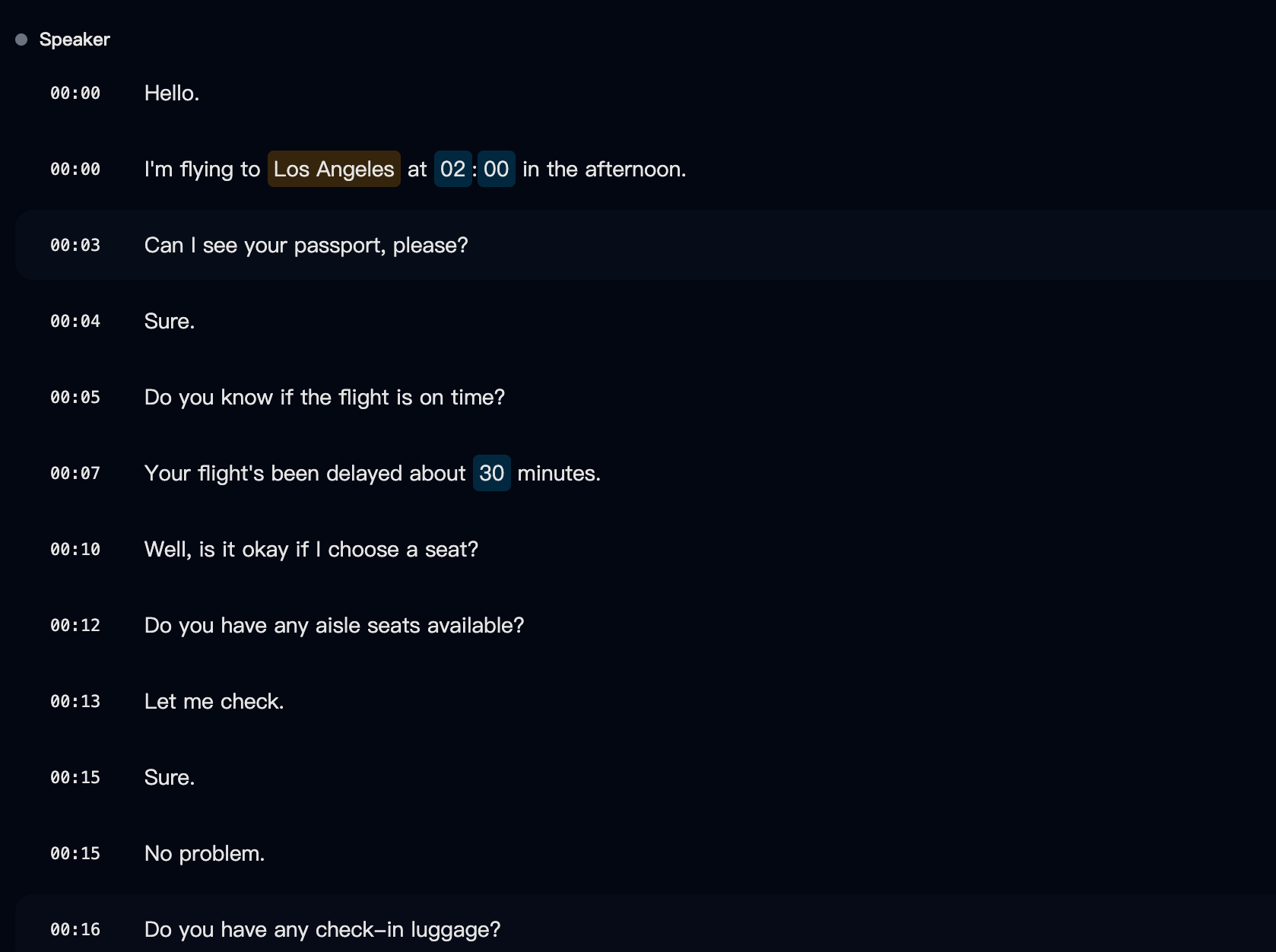
Use Auto-detect or pick a specific locale (e.g., English-US). Turn on timestamps and, if it's a talk with several speakers, enable speaker labels.
3) Export subtitles
Click Export and convert MP4 to SRT. You can also export MP4 to VTT for web players or TXT for plain text. Keep each caption to two lines and break at natural pauses.
Try Harku free (no signup). When you need longer videos or priority queues, see Pricing.
Improve accuracy before you convert MP4 to SRT
Small tweaks make big gains:
- Reduce noise. Close doors, move the mic closer, avoid fans/AC.
- Set levels. Normalize loud/quiet parts so speech stays even.
- Pick the right locale. English-US vs English-UK matters for names and spellings.
- Split long videos. For very long files, process in 20–30-minute parts to avoid timeouts and make editing easier.
Edit & format SRT (readability first)
- Two lines max. Split on punctuation or natural pauses.
- Keep it readable. Don't rush captions; show each long enough to read.
- Numbers & names. Double-check brand names, prices, and dates.
- Sidecar vs burn-in. SRT/VTT are sidecar files you attach to the video; burn-in means rendering text into pixels (not editable).
Convert MP4 to VTT or TXT (when to choose what)
- SRT — most common, works almost everywhere.
- VTT — web-friendly, supports styling and metadata.
- TXT — clean video to text for notes, editing, or scripts.
Tip: Start with SRT, then transform to VTT/TXT as needed.
Translate subtitles (EN ↔ ZH and more)
After you convert MP4 to SRT, it's easy to translate:
- Export SRT in the source language.
- Make a translated copy (EN→ZH or ZH→EN).
- Keep timing; only replace text.
- For bilingual captions, use line 1 English, line 2 Chinese.
Fix timing issues (offsets, long lines, style)
- A bit out of sync? Shift the whole file by ±0.2–0.5s and recheck.
- Lines too long? Split into two lines; avoid more than ~42 characters per line if possible.
- Web player styling? Export MP4 to VTT for richer styling support.
Online vs offline (which should you use?)
| Factor | Harku (online) | Offline tools |
|---|---|---|
| Setup | No install, runs in browser | Install needed, sometimes GPU |
| Speed | Fast start, server-side processing | Depends on your machine |
| Privacy | Encrypted in transit; delete after export | Full local control |
| Best for | Most users & teams | Strict IT/air-gapped use |
Recommendation: Start online for simplicity and speed. Go offline only if your policy forbids uploads.
Privacy & data basics
- Encrypted in transit for uploads and downloads.
- Data retention: Review how long files are stored; delete after export if needed.
- Team policy: Confirm storage location and access control.
Learn more: Privacy · Changelog
FAQ: convert MP4 to SRT
Is Harku free?
Yes—start free (no signup) with a small daily quota. Upgrade for longer videos and faster queues.
Do I need perfect audio?
No, but clearer input gives better output. Reduce noise, keep steady mic distance, and pick the right locale.
Can I export VTT/TXT too?
Yes. You can convert MP4 to SRT, MP4 to VTT, or export TXT for plain text.
Can I keep speakers separate?
If your video has clear speakers, enable speaker labels for easier review.
How do I fix slightly wrong timing?
Shift the file by a small offset and check again; also review long lines.
Can I translate subtitles?
Yes—export SRT, translate the text, and keep timing. Bilingual two-line format works well.
Does it work on mobile?
Yes. Harku runs in the browser on iPhone/Android and on Mac/Windows.
Conclusion: convert MP4 to SRT in minutes
With Harku, you can convert MP4 to SRT fast—upload, choose language, and export SRT/VTT/TXT. Clean captions improve accessibility, SEO, and editing speed.
Upload an MP4 · Try Harku free (no signup) · See pricing
Related: Audio to Text · YouTube to Text · Privacy · Changelog
Ready to Convert Your Videos?
Start converting MP4 to SRT with Harku - fast, accurate, and free to try.
Try Harku Free