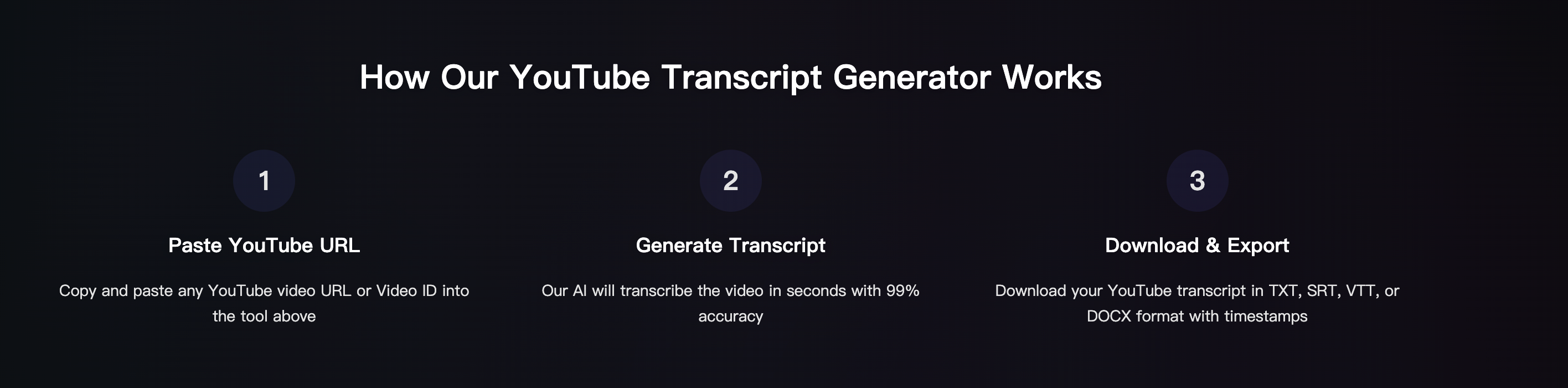
If you want to convert YouTube videos to text free, there are two simple paths:
- Use YouTube's built-in transcript (fast, but limited), or
- Use a transcript tool that exports clean TXT/SRT/VTT for reuse (better formatting).
This tutorial shows both options, plus quick fixes for common issues like missing transcripts, messy punctuation, and long videos.
Option A: Convert YouTube videos to text using YouTube (free)
This works when a video already has captions/transcript available.
Step 1) Open the YouTube transcript
- Open the YouTube video
- Find the transcript panel (often near "more" / description area depending on UI)
- Copy the transcript text
Step 2) Clean the text (quick)
- Remove extra timestamps if you don't need them
- Combine short lines into paragraphs
- Fix names/brands/numbers manually
Best for: quick research notes and copy-paste quotes Limitations: not all videos have transcripts; exports are limited
Option B: Convert YouTube videos to text free with Harku (clean exports)
If you want neat text you can reuse (blog, newsletter, notes), this is the smoother workflow.
Step 1) Paste the YouTube link
Open Harku and paste the video URL. Choose Auto-detect or select a language for best results.
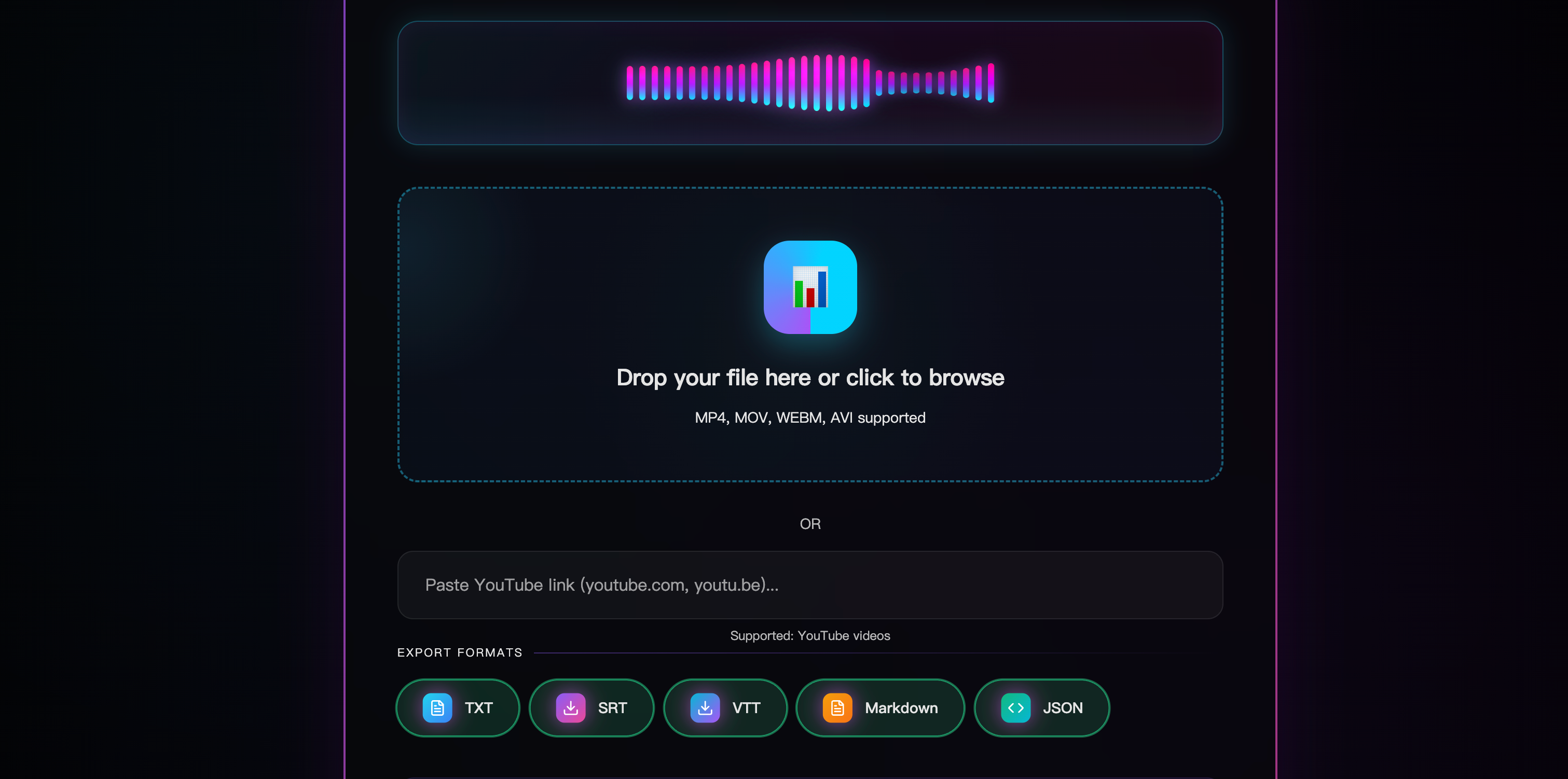
Step 2) Export as TXT (best for text)
Export TXT if your goal is "YouTube video to text." Export SRT/VTT if you also want subtitles.
Step 3) Skim and fix the common errors
Most fixes are quick:
- Names/brands (proper nouns)
- Numbers (dates, prices)
- Punctuation in fast speech
Try free (no signup). For longer videos and faster queues, see Pricing.
If the video has no transcript (common case)
If YouTube doesn't show a transcript, you still can convert it:
- Use a tool that transcribes from the audio track (link or file workflow)
- For unstable links, download the video and upload the file instead
Tips for better accuracy (simple)
- Pick the right language/locale (English-US vs English-UK, etc.)
- Avoid noisy sources when possible
- For long videos, process in chunks (20-30 minutes)
- Use timestamps if you need to jump back to key moments
Convert YouTube video to text for specific use cases
For blog posts
- Export TXT
- Create headings from the main sections
- Pull quotes with timestamps (optional)
For subtitles
- Export SRT/VTT
- Keep two lines max per caption
- Break at punctuation
For study notes
- Export TXT
- Highlight definitions, steps, and key terms
- Create a "summary + key points" section
FAQ: convert YouTube videos to text free
Is it really free? YouTube transcript is free when available. Many tools also offer free tiers for short usage.
What's the best format: TXT or SRT? TXT for reading and editing. SRT/VTT for captions/subtitles.
What if the transcript is messy? Do a quick pass for names, numbers, and punctuation. That fixes most issues.
Conclusion
To convert YouTube videos to text free, start with YouTube's transcript if it exists. If you need clean text and exports, paste the link into Harku and export TXT/SRT/VTT in minutes.
Paste a YouTube link · Export TXT/SRT/VTT · Try free (no signup)
Turn the YouTube video into editable text
Paste a video URL or video ID to generate a timestamped transcript and export TXT, SRT, or VTT.
Open the YouTube transcript generator