YouTube Transcript vs Auto Captions: What's the Difference?
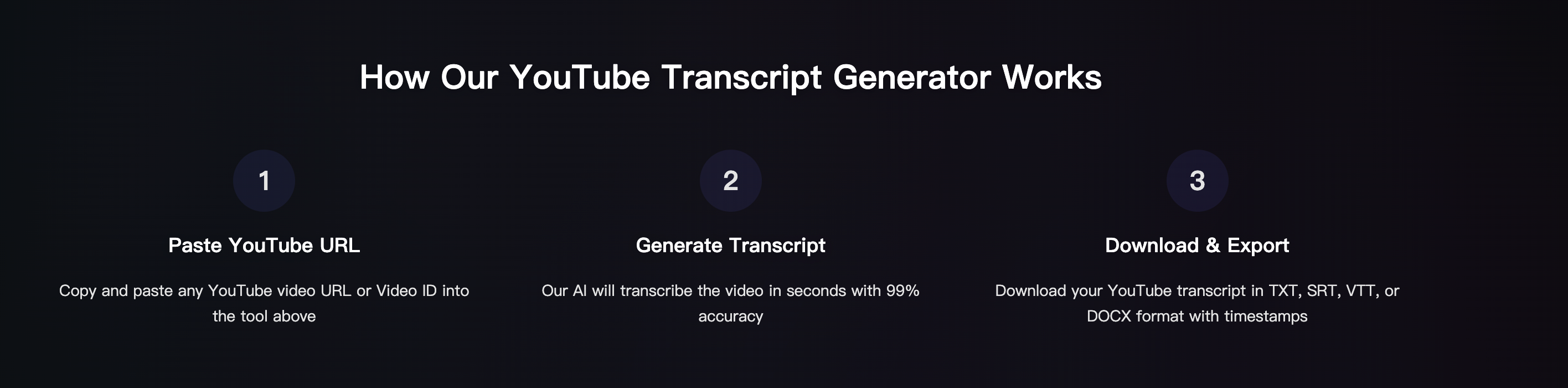
People often ask: "YouTube transcript" and "auto captions"---aren't they the same? They are related, but not identical. Understanding the difference helps you pick the right workflow for copying text, generating subtitles, or exporting SRT/VTT.
This guide explains the terms in plain English and shows when you should use built-in YouTube features vs a dedicated tool.
Definitions (simple)
What is a YouTube transcript?
A transcript is the text version of what's spoken in the video. It may include timestamps and can be used for:
- Reading and searching
- Copying quotes
- Creating notes and summaries
- Turning video into a blog post
What are auto captions?
Auto captions are YouTube's automatically generated subtitles (captions) created by speech recognition. They are meant for:
- On-screen caption display
- Accessibility
- Following the audio while watching
Auto captions can be accurate, but quality depends on audio, accents, and noise.
Key differences (quick table)
| Item | YouTube Transcript | Auto Captions |
|---|---|---|
| Purpose | Read/search/copy text | Display subtitles on video |
| Format | Text panel (copy) | Caption track |
| Editing | Limited in YouTube UI | Can be edited by uploader |
| Export | Often limited | Often limited |
| Best for | Notes, quoting, writing | Accessibility, subtitles |
Common confusion: "Transcript" can come from captions
Sometimes the transcript you see is generated from the caption track (including auto captions). So:
- Auto captions can be the "source"
- The transcript is a "view" of that text
That's why they feel similar.
When to use YouTube's transcript
Use built-in transcript when:
- You just need quick copy-paste text
- The video already has a good transcript/captions
- You don't need clean exports or formatting
Downside: Not all videos have it, and formatting often needs cleanup.
When to use auto captions (and when not to)
Auto captions are great when:
- You want basic subtitles while watching
- You need accessibility quickly
- You accept "good enough" text
Auto captions can be weak when:
- Audio is noisy
- Multiple people talk over each other
- Strong accents and fast speech
- Background music is loud
When to use a transcript generator tool (best for reuse)
If you want clean, reusable output, use a dedicated tool like Harku:
- Paste a YouTube link
- Export TXT for notes
- Export SRT/VTT for subtitles
- Optional: timestamps and speaker labels
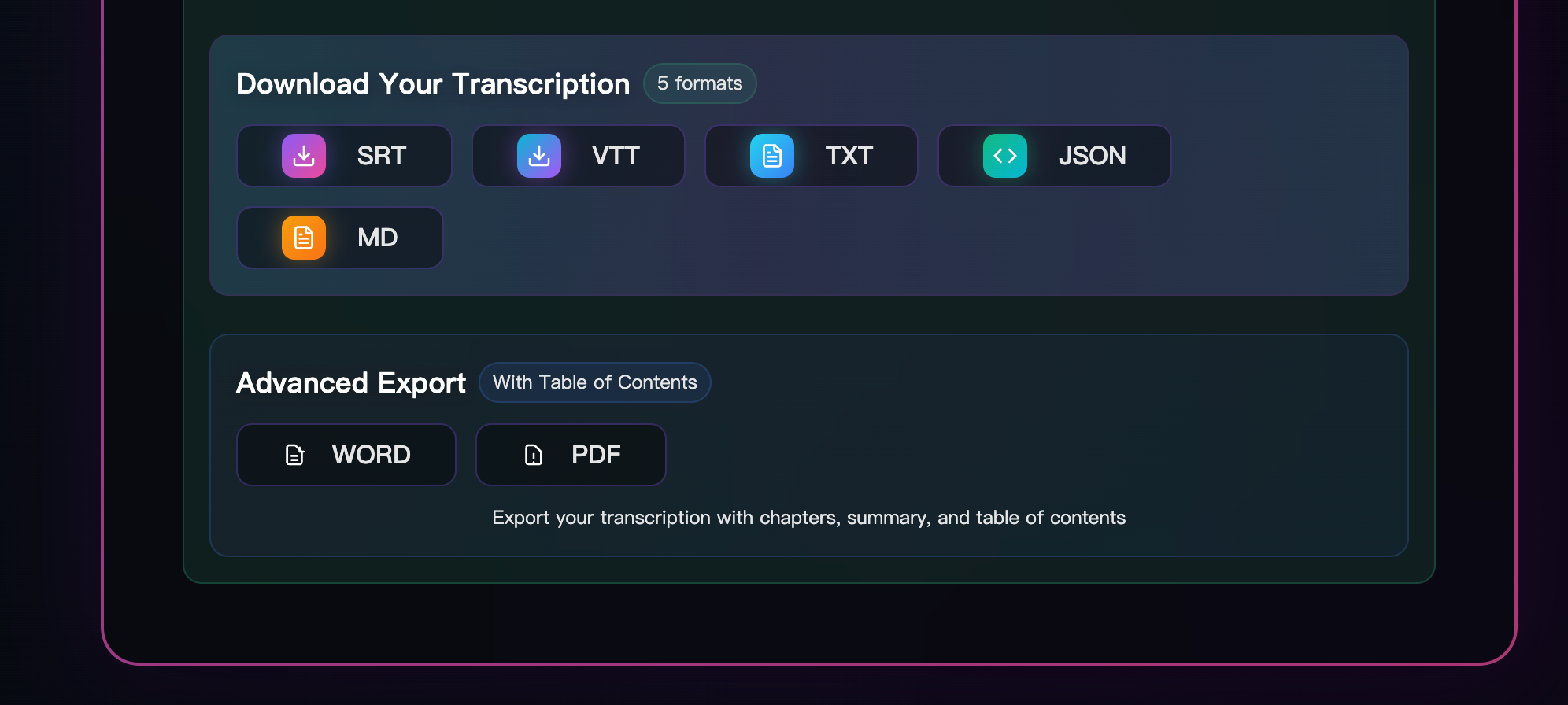
This is especially useful for:
- Blog posts and newsletters
- Show notes and summaries
- Subtitle workflows (SRT/VTT)
- Translation and bilingual captions
Practical examples
Example 1: You want quotes for a blog post
- Built-in transcript is often enough
- If formatting is messy, export TXT via a tool and clean once
Example 2: You want subtitles for editing
- You need SRT/VTT
- A tool that exports clean SRT/VTT saves time
Example 3: You want bilingual subtitles
- Export SRT
- Translate text, keep timing
- Use two lines (EN + ZH)
FAQ
Is YouTube transcript always auto captions? Not always. Some videos have manually uploaded captions or professionally made subtitles.
Which is more accurate: transcript or auto captions? Accuracy depends on the source. Manually uploaded captions are usually best; auto captions vary by audio quality.
What should I use if I need SRT/VTT? Use a tool that exports SRT/VTT directly to avoid manual reformatting.
Conclusion
A YouTube transcript is best for reading and copying text; auto captions are best for on-screen subtitles. If you need clean exports (TXT/SRT/VTT) and a smoother workflow, use a transcript generator tool.
Paste a YouTube link · Export TXT/SRT/VTT · Try free (no signup)
Turn the YouTube video into editable text
Paste a video URL or video ID to generate a timestamped transcript and export TXT, SRT, or VTT.
Open the YouTube transcript generator